
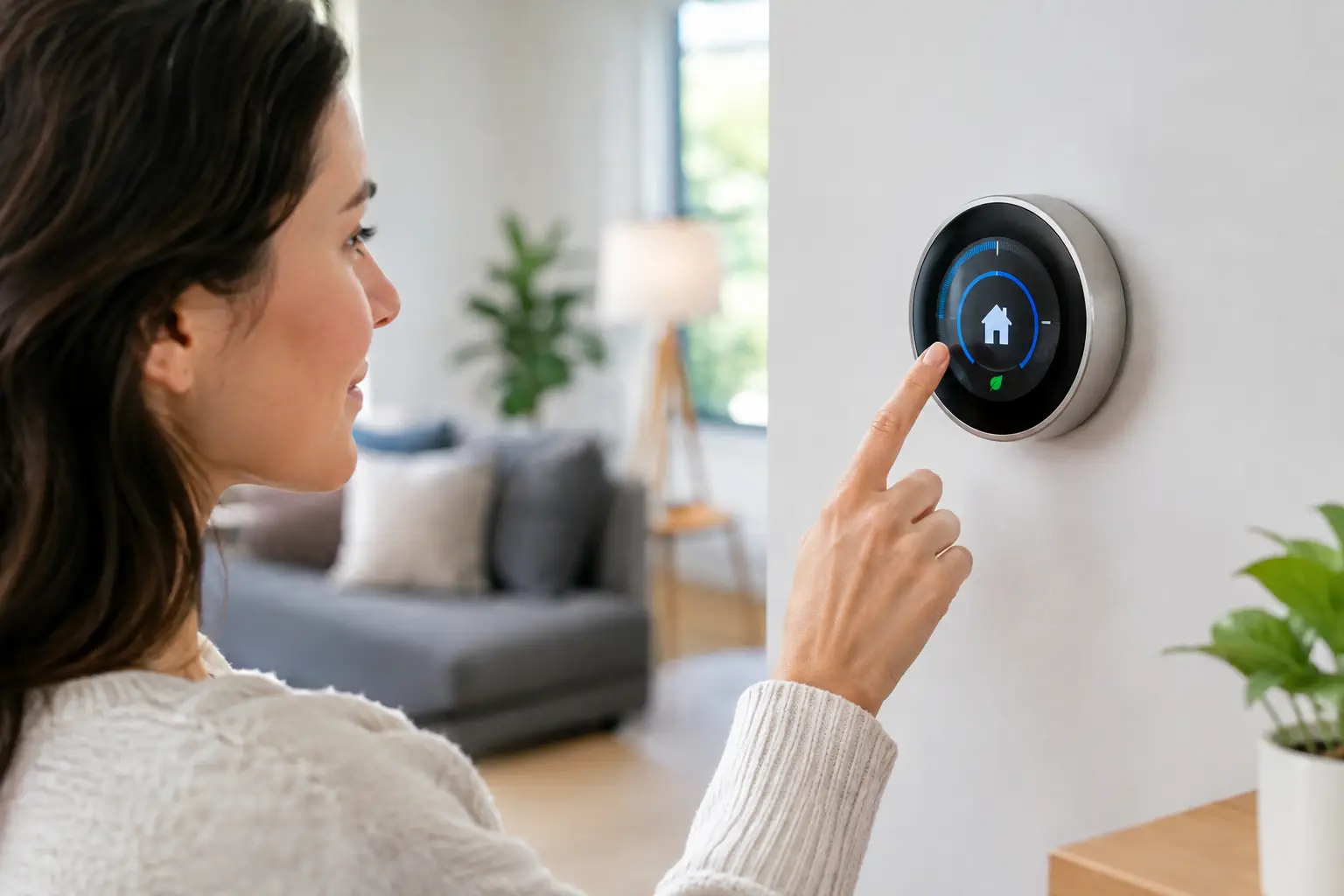
A smart thermostat can save energy, but only when its schedule reflects how your space is actually used. If you are searching for how to program smart thermostat controls, the goal is not to keep changing temperatures from your phone. It is to create a dependable routine that keeps your home or business comfortable without asking your HVAC system to work harder than necessary.
For homeowners in Monroe and the Charlotte area, that means accounting for hot, humid summers, occasional winter cold snaps, and the times when the house is empty. For commercial spaces, it means maintaining consistent conditions for employees, customers, equipment, and operating hours.
Start With the Right Thermostat Settings
Before building a schedule, confirm that the thermostat is set up correctly for your HVAC equipment. A smart thermostat needs to know whether it controls a conventional furnace and air conditioner, a heat pump, a dual-fuel system, or another configuration. Choosing the wrong system type can lead to poor comfort, short cycling, or unnecessary use of auxiliary heat.
During setup, enter your Wi-Fi information, verify the date and time, and name the rooms or zones if your thermostat supports sensors. If your model uses room sensors, place them away from direct sunlight, supply vents, exterior doors, lamps, and kitchen appliances. A sensor placed in a warm sunny spot can tell the system your home is warmer than it really is.
You should also check the thermostat’s displayed indoor temperature against a reliable room thermometer. A difference of one or two degrees is often normal, especially if the thermometer is in a different part of the room. A larger or persistent gap may point to a placement, sensor, wiring, or calibration concern.
How to Program Smart Thermostat Schedules
Most smart thermostats let you create settings for four parts of the day: wake, away, home, and sleep. Some models learn routines automatically, while others need a schedule entered manually. Either approach works best when you start with a simple, realistic plan.
For cooling, many households are comfortable around 74 to 78 degrees while occupied. When everyone is away, raising the setpoint by several degrees reduces runtime. For heating, a setting around 68 degrees while you are home is common, while lowering it slightly overnight or while away can reduce energy use.
The right numbers depend on the building, insulation, humidity, health needs, and personal comfort. A home with an upstairs bonus room, large west-facing windows, or uneven airflow may need a different strategy than a single-story home with balanced ductwork. Do not chase a perfect universal temperature. Choose settings your household can live with consistently.
A practical weekday schedule might look like this:
- Set a comfortable temperature before the household wakes up.
- Use an energy-saving setting after the last person leaves.
- Return to your preferred comfort setting 30 to 60 minutes before people arrive home.
- Adjust slightly for sleep, based on comfort and the season.
If your thermostat has an adaptive recovery or smart recovery feature, it may begin heating or cooling early so the space reaches the scheduled temperature on time. This is normal. The thermostat is not ignoring the schedule – it is calculating when the system needs to start.
Avoid Big Temperature Swings
One common mistake is setting the thermostat far below the current temperature to cool a home faster. Your air conditioner generally cools at the same rate whether you set it to 72 or 62 degrees. The lower setting simply makes the system run longer and can leave the home too cold.
The same principle applies to heating. A dramatic temperature increase does not usually heat the home faster. With a heat pump, it can trigger auxiliary heat, which is often more expensive to operate. Raise the temperature gradually and give the system time to respond.
For most homes, changes of two to four degrees between occupied and unoccupied periods are a sensible starting point. Larger setbacks can make sense during extended travel, but they are not always efficient for every system or building. Heat pumps, homes with high humidity, and buildings that lose temperature quickly may benefit from smaller changes.
Use Location and Geofencing Carefully
Many smart thermostats offer geofencing, which uses your phone’s location to switch between home and away settings. This feature can be useful for households with changing schedules, but it is not perfect.
Geofencing works best when every regular occupant has the app installed and location access enabled. Otherwise, the thermostat may switch to away mode while someone is still home. It can also be less useful if a family member works from home, if pets remain indoors, or if the property needs steady temperatures to protect plants, equipment, or temperature-sensitive materials.
For a commercial building, location-based controls are usually less reliable than a defined occupancy schedule. Set the system to begin conditioning the building before staff and customers arrive, then reduce runtime after closing. Facilities with variable shifts may benefit from professionally configured controls rather than relying on a single consumer-style thermostat schedule.
Pay Attention to Humidity During North Carolina Summers
Cooling comfort is about more than temperature. In Monroe-area summers, indoor humidity can make a home feel sticky even when the thermostat says 74 degrees. Your air conditioner removes moisture as it cools, but frequent temperature changes, oversized equipment, dirty filters, duct leaks, or incorrect fan settings can interfere with that process.
If your smart thermostat has a humidity display, use it as a useful reference. Many homes feel comfortable when indoor relative humidity stays roughly between 40% and 60%. If humidity remains high, lowering the thermostat dramatically is not always the best answer. Doing so may increase energy use without solving the underlying issue.
Check that the thermostat fan is set to Auto rather than On unless a technician has recommended continuous circulation. With the fan set to On, moisture on the indoor coil can be blown back into the home after a cooling cycle ends. If high humidity persists, professional HVAC service can identify whether airflow, drainage, ductwork, equipment sizing, or another issue needs attention.
Use Vacation Mode Instead of Turning the System Off
When leaving for several days, do not turn your HVAC system off completely. In summer, a warm, humid house can develop moisture problems. In winter, an unheated building can put plumbing at risk during a cold spell.
Use vacation mode or create a temporary schedule instead. In cooling season, choose a higher temperature that limits humidity and unnecessary runtime. In heating season, maintain enough warmth to protect the building and its pipes. If you have pets, indoor plants, a server closet, or sensitive inventory, the appropriate setting may need to be closer to normal occupied temperatures.
Most smart thermostats let you set an end date for vacation mode. Confirm that the regular schedule resumes before you return, giving the system enough time to restore a comfortable temperature.
Check the Schedule After a Week
A thermostat schedule is not a set-it-and-forget-it task. After a week, look at the thermostat’s energy reports, comfort history, and any alerts. Notice whether the system reaches the set temperature on time, whether certain rooms are consistently uncomfortable, and whether runtime seems excessive.
If the thermostat keeps calling for cooling or heating but the space does not reach the target, programming may not be the problem. A clogged air filter, blocked return vent, low refrigerant, dirty coil, duct leak, failing component, or undersized system can affect performance. Changing settings repeatedly can hide a problem without fixing it.
Replace or clean filters on schedule, keep supply and return vents open and unobstructed, and make sure outdoor equipment has clear space around it. These basics help your smart thermostat make better decisions because it is working with an HVAC system that can deliver the airflow and capacity it needs.
When Professional Help Makes Sense
Smart thermostat installation can be straightforward, but wiring and equipment compatibility are not always simple. Older systems may not have a common wire, multi-stage equipment requires careful configuration, and heat pumps need the correct settings to avoid inefficient operation. Commercial systems can be even more complex, particularly when multiple zones, rooftop units, or business-hour requirements are involved.
If your thermostat loses power, shows an equipment warning, runs auxiliary heat too often, or does not communicate with your HVAC system correctly, it is worth having a qualified technician inspect the setup. PR Mechanical can help homeowners and business operators make sure thermostat controls, equipment settings, and comfort goals are working together.
A well-programmed thermostat should fade into the background: your space is comfortable when people are there, energy is not wasted when it is empty, and the system receives the steady, sensible direction it needs to perform well.